Working with 3‑dimensional models has become routine for designers, engineers, and game developers alike. However, the sheer size of high‑resolution meshes, textures, and embedded metadata can quickly balloon a project’s storage requirements. Large 3D files not only consume valuable disk space but also slow down collaboration, increase upload times, and can even cause rendering hiccups in real‑time applications. When you need to share a model with a client or upload it to a cloud‑based viewer, the file size often becomes a bottleneck.
Traditionally, compressing 3D assets required desktop software that could be costly, complex, or tied to a specific operating system. Users had to install plugins, learn intricate settings, and sometimes sacrifice quality to meet size constraints. This process is especially painful for freelancers or small studios that lack the budget for premium tools. Moreover, installing additional software can introduce security concerns, especially when handling proprietary designs.
The FileFormat 3D Compress tool solves these problems by offering a free, online solution that works directly in your browser. No download, no registration, and no hidden fees—just a straightforward interface that reduces file size while preserving visual fidelity. It supports any standard 3D format, allowing you to upload, compress, and download the optimized version in minutes. Because the service runs on secure cloud servers, you can trust that your intellectual property stays protected during processing.
Real‑world scenarios illustrate why this tool is indispensable. Imagine a product designer needing to email a detailed CAD model to a manufacturer; a compressed file ensures the email stays under attachment limits. Game artists often need to upload assets to version‑control systems where storage quotas are strict. Architects sharing large BIM models with clients over low‑bandwidth connections benefit from a smaller, faster‑loading file. In each case, the ability to compress 3D files online for free removes a major friction point in the workflow.
Even educators and hobbyists can take advantage of the service. A teacher preparing a virtual‑reality lesson can quickly shrink large scene files so students can download them on modest laptops or tablets. Hobbyists creating 3D‑printed objects can reduce STL sizes before sending them to a printing service, cutting down on upload time and potential errors. The versatility of the tool makes it a valuable addition to any 3D workflow, regardless of industry or skill level.
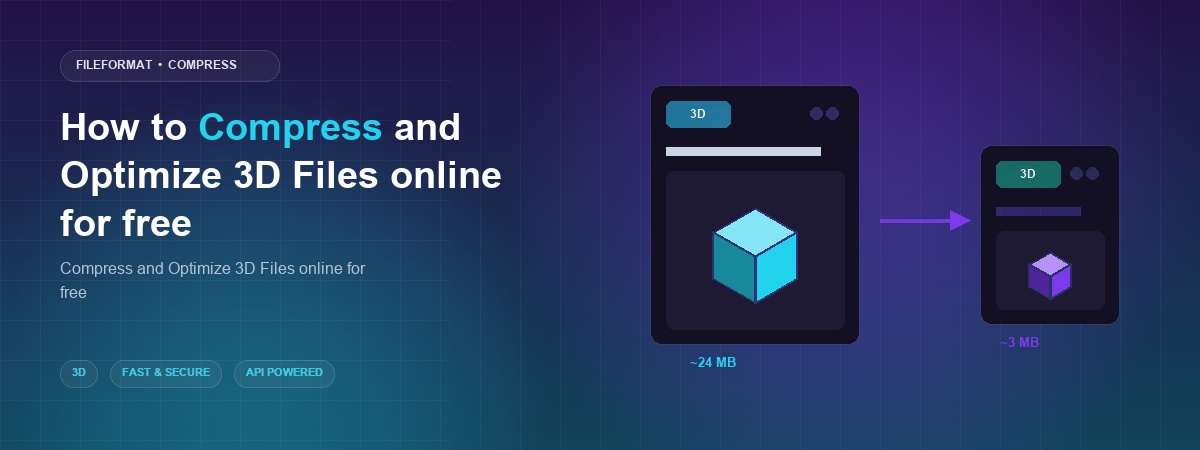
Why 3D File Compression Matters
Large 3D files are more than just a storage inconvenience; they directly affect performance in downstream applications. Rendering engines must load geometry, textures, and animation data into memory before they can display anything. When a file is oversized, the engine may need to swap data to disk, leading to frame drops, longer load times, and a poorer user experience. By compressing the file, you reduce the amount of data the engine must handle, which translates into smoother real‑time interaction and faster rendering pipelines.
Compression also plays a crucial role in collaborative environments. Teams often rely on cloud‑based platforms for version control, review, and distribution. Many of these services impose file‑size limits or charge extra for large storage consumption. A smaller file not only fits within these constraints but also speeds up synchronization across the team. This means designers spend less time waiting for uploads and more time iterating on their creations.
Another important aspect is bandwidth cost. When you need to share models with clients, partners, or remote workers, each megabyte transferred adds to the overall data usage. For organizations with limited internet plans or those operating in regions with expensive data rates, reducing file size can lead to significant cost savings. Moreover, compressed files are less likely to encounter transfer errors, ensuring that the recipient receives an intact, usable model.
Quality preservation is often a concern when compressing any media, and 3D files are no exception. The FileFormat tool uses intelligent algorithms that target redundant geometry, unused vertices, and excessive texture resolution without compromising the visual appearance of the model. This balance allows creators to maintain the artistic intent of their work while still achieving meaningful size reductions. The result is a file that looks just as good as the original but is far more practical to store, share, and render.
How to Compress 3D Files Online
In this section you will learn how to quickly shrink your 3D models using the free online compressor. The process is straightforward and can be completed in just a few clicks.
- Open the compressor – Visit the online FileFormat 3D Compress tool in your web browser. The interface loads instantly, and you’ll see a clear area for uploading your file. No software installation is required, and the site works on Windows, macOS, and Linux alike.
- Upload your 3D model – Click the upload button and choose a file from your local storage, or connect your Dropbox or Google Drive account to select the file directly from the cloud. The tool accepts all common 3D formats, so you can work with OBJ, STL, FBX, GLTF, and more.
- Adjust compression settings – After the file is uploaded, you can fine‑tune the compression level. For most cases, the default “Balanced” option provides the best trade‑off between size and quality. Advanced users may select “Maximum Reduction” for the smallest possible file, understanding that this may affect fine details.
- Start the compression – Press the “Compress” button to begin processing. The cloud server analyses the geometry and textures, removes redundancies, and rebuilds a leaner version of the model. Progress is displayed in real time, and most files finish within seconds to a couple of minutes depending on complexity.
- Download the optimized file – Once the process completes, a download link appears. You can save the compressed file to your computer, or share a direct link with teammates. The result is delivered as a single 3D file, ready for immediate use in any downstream application.
By following these steps, you can compress 3D assets in a matter of minutes, freeing up storage space and speeding up collaboration without sacrificing visual quality.
Conclusion
Compressing and optimizing 3D files online eliminates many of the hurdles that traditionally required expensive desktop software. The free, browser‑based FileFormat tool handles all major 3D formats, offering a quick, secure, and installation‑free solution. Whether you are a professional designer, a game developer, or a hobbyist, reducing file size improves performance, cuts bandwidth costs, and streamlines teamwork. Give the online compressor a try today and experience the convenience of instant 3D file optimization.
Ask a Question
If you have any questions or inquiries, feel free to reach out to us on our free support forum.